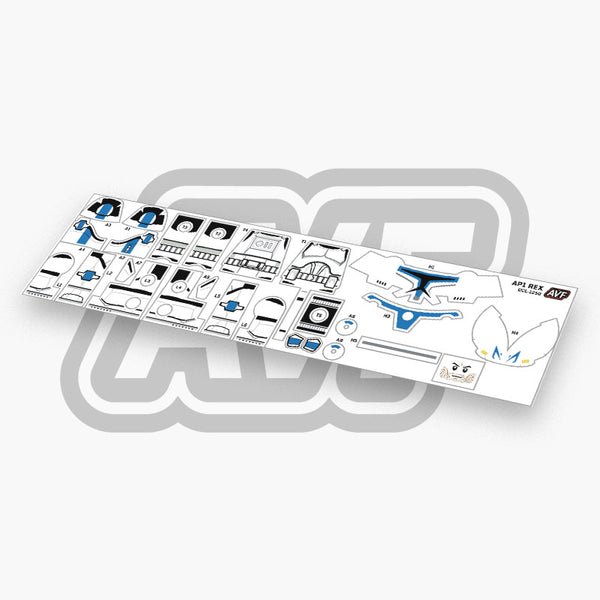
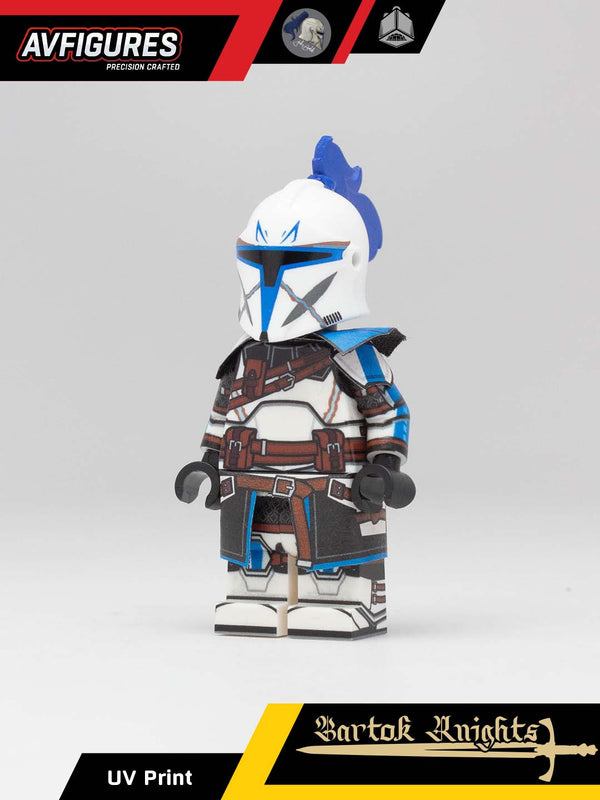
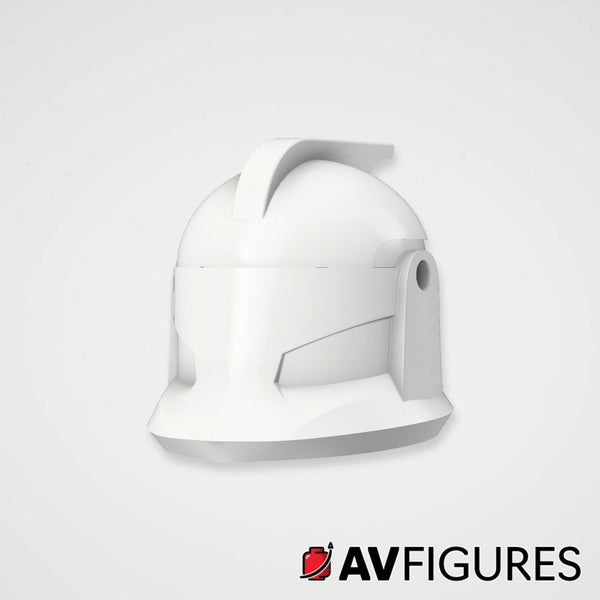
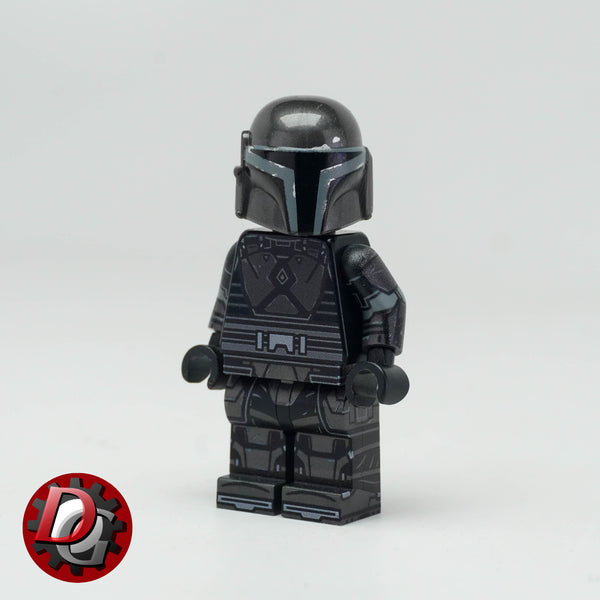
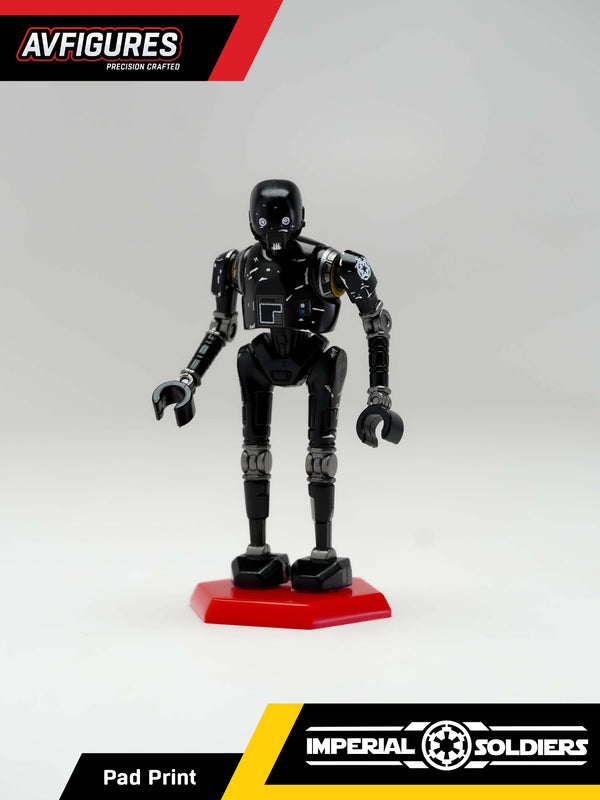
Helmets, weapons and parts for Imperial minifigure builds.
Filter by
62 products
New
KX Droid Body
Price
$7.97
New
KX Baton
Price
$1.97—$3.97
New
KX Energy Pack
Price
$1.47
New
Imperial Stormtrooper Pad Printed Helmet
Price
$6.47
New
Stormtrooper Pauldron 3D Print
Price
$2.77
Pad Printed Flat Top Imperial Kepi
Price
$3.47
Pad Printed Republic Kepi
Price
$3.47
Pad Printed Raised Disc Imperial Kepi
Price
$3.47
Pad Printed ISB Tactical Kepi
Price
$3.47
ABS Raised Disc Imperial Kepi
Price
$1.47
ABS Flat Top Imperial Kepi
Price
$1.47
ABS ISB Tactical Kepi
Price
$1.47
ABS Kepi Hairstyles
Price
$1.47
Sold out
Imperial Remnant Snowtrooper Pad Printed Helmet
Price
$6.47
Sold out
Imperial Remnant Snowtrooper Helmet 3D Print
Price
$4.47
Sold out
Imperial Snowtrooper Shoulder Pad 3D Print
Price
$1.07
Sold out
TotU Inquisitor Vambrace 3D Print
Price
$2.17
TotU Inquisitor Gorget Set 3D Print
Price
$7.17
Sold out
TotU Inquisitor Helmet 3D Print
Price
$5.87
Sold out
Imperial Sharpshooter Set 3D Print
Price
$8.97
Death Trooper V2 Earpiece 3D Print
Price
$1.07
Sold out
Death Trooper V2 Helmet 3D Print
Price
$3.27
Imperial Storm Commando Pad Printed Helmet
Price
$5.47
Imperial Stormtrooper ABS Helmet
Price
$2.97
Purge Trooper Commander Pad Printed Helmet
Price
$3.97
Purge Trooper Pad Printed Helmet
Price
$3.97
Sold out
Imperial Stun Grenade 3D Print
Price
$1.07
Sold out
Stormtrooper Shoulder Pad 3D Print
Price
$1.07
Imperial Scout Trooper Helmet 3D Print
Price
$4.47
Imperial Range Trooper Helmet 3D Print
Price
$3.97
Purge Trooper Electrostaff Electricity Effect 3D Print
Price
$2.47
Sold out
Purge Trooper Electrobaton 3D Print
Price
$3.97
Sold out
Purge Trooper Electrohammer 3D Print
Price
$3.97
Sold out
Purge Trooper Electrostaff 3D Print
Price
$3.97
Imperial Rocket Trooper Helmet 3D Print
Price
$3.27
Imperial Rocket Trooper Jetpack 3D Print
Price
$1.67—$2.17
Sold out
CX Helmet 3D Print
Price
$8.47
Imperial Riot Baton 3D Print
Price
$4.97
Imperial Riot Shield 3D Print
Price
$2.77
Sold out
TK Trooper 3D Printed Helmet V2
Price
$3.47
Thanks for subscribing
PayPal Pay Later Messaging
Step 1: Choose message placement
Click the button below and then hover over your page to select a placement.
Step 2: Paste and save
You have copied the placement for the Product Page.
Go back to the App Embeds section, and in the Paypal Advanced Settings, paste the copied value into the
Product Page field and click the 'Save' button in the top right corner.